%20(1).png)

.svg)


Across 2025, we observed a staggering increase in AI bot traffic growth. For brands, this shift to AI-first search has implications not just for your strategies, but for your operational priorities and budgets as well.
.png)
That’s because bots don’t behave like normal customer traffic, and end up creating outsized infrastructure load through large or repeated requests, using up site bandwidth and overwhelming servers. Ultimately, that traffic creates both security risks and higher costs for you.
Internet infrastructure companies like Cloudflare have tried to mitigate the negative impact of this increased AI traffic by blocking AI crawlers from accessing content without permission, with some success. But not all AI crawlers are so easily restricted (or even distinguishable).
Luckily, there are also steps brands can take from their side to set boundaries for bots that align with both your website goals and budget.
How bot activity impacts your infrastructure
When we reference bot traffic, that includes scrapers with several very different goals, such as:
- Search engine crawlers that scrape the web to support discoverability (think Googlebot).
- AI crawlers and retrieval agents that fetch content for training or answering user prompts (bots used by companies like OpenAI and Anthropic).
- Tools used to monitor your website or search performance.
- Malicious scraping activity to illegally obtain data, probe for vulnerabilities, etc.
From an infrastructure perspective, requests from all of these bots consume resources, regardless of their intent. Even when bots are legitimate, they can push request volume into ranges your website isn’t prepared for.
Consequences of increased bot activity
1. Bandwidth consumption
More requests and larger responses increase transfer volume. If your stack serves heavy HTML or API payloads to bots, bandwidth is one of the first places you’ll see the impact. This may show up as direct cost increases or needing to renegotiate allocation limits.
When baseline bandwidth is being eaten up by AI bots scraping massive amounts of data, that leaves very little for your human customers or scrapers that actually help your online visibility. As the owners of some of the internet's largest free content repositories, the Wikimedia Foundation experienced this firsthand. Last year, they reported bandwidth surges of over 50% as AI crawlers sought more and more content to train LLMs.
2. Uptime and stability risk
Sudden bursts of bot traffic can make different parts of your site compete for the same limited resources. The risk then is that things get shaky, or that your site goes down completely. If your servers have to keep scaling up and down, your caching becomes less effective. You may see more errors during routine releases, and when something goes wrong, it will take longer to figure out why because the traffic no longer looks like normal customer behavior.
3. Security exposure
Higher bot traffic doesn’t automatically mean your website will be attacked or breached, but it does increase the surface area for potential attacks. A larger number of automated interactions with your site raises the background noise, so to speak, and that noise gives attackers more chances to test for potential entry points, more cover to blend in with “normal” traffic, and more opportunities to exploit the operational tradeoffs you have to make to keep your site fast and available.
Even if your security controls block many malicious access attempts, some automation blends in well enough to require more sophisticated controls, which can be prohibitively expensive.
4. Analytics and attribution issues
Bot traffic can pollute your performance data, making it harder to parse legitimate traffic and to trust key performance signals you may have previously relied on.
We saw this recently when Google removed the &num=100 parameter, blocking scrapers from gathering the top 100 search results at once. The resulting fall in impressions growth year-over-year demonstrated exactly how much artificial traffic was inflating what was once a trusted KPI.
To add to the confusion, ChatGPT prompts have found their way into the SERPs and thus into Google Search Console data, muddying keyword analysis. In this case, if a ChatGPT prompt resulted in the platform conducting a Google search to find more information, Google then recorded parts of that prompt as a search query. While OpenAI has claimed this specific issue is resolved, it raises the question of what other data is being impacted by AI platforms and their increasing need to scrape the web.
5. Higher costs and forecasting challenges
It’s difficult to estimate exactly how much costs will rise because of increasing bot traffic, because cost depends heavily on each site’s unique architecture. What is broadly true is that unplanned increases and spikes are expensive to accommodate. As Wikimedia observed, AI bots access a huge portion of their content catalog in bulk, unlike standard web crawlers scraping the internet for platforms like search engines. The result was that AI bots made up just 35 percent of total pageviews, but those pageviews accounted for 65 percent of its most expensive requests.
A related issue your team may have already observed: many cloud storage contracts were likely negotiated before this newer wave of AI bot traffic was part of baseline traffic. Even if you don’t save money today, reducing volatility and origin load can matter when contracts renew.
There’s no such binary as “good” and “bad” bots
Treating bots as “good” or “bad” isn’t specific enough to address the problem. Under pressure, teams sometimes block bots too broadly, unintentionally reducing search visibility or disrupting measurement tools. On the flip side, allowing everything through will let irrelevant or harmful bots consume expensive resources.
A more actionable distinction is:
- Bots you want to serve
- Bots you want to restrict
- Bots you want to block
How to manage AI bot traffic to your site
1. Use log file analysis to understand what’s happening
Analyzing your log files will be the fastest way to clarify which bots belong in which buckets, because logs tell you exactly what is being requested and by which source. From there, you can often infer why a bot is there, whether it be steady, broad crawling that is often indexing behavior or high-volume access to a broad range of pages that may indicate scraping for AI training.
For more on how to use your log files to identify AI traffic, check out our detailed guide here: Tracking AI Bots on Your Site with Log File Analysis.
2. Establish an AI bot governance strategy
Once you know which bots are accessing your site and for what content, you can take steps to set guardrails for their activity. AI bot governance will look different for every site, but a practical plan should include:
- Access rules by bot category: For example, you may want to allow live-retrieval bots to surface updated content on generative AI platforms, but restrict LLM training scrapers to prevent your content from showing up uncited in outputs that rely only on training data.
- Direct ties to priority platforms: Identify which platforms your target consumers are using to find information, and ensure the bots feeding those platforms can find you.
- Review and analysis cadence: Conduct competitor analysis on your key platforms frequently, and review governance strategies often, as new AI search platforms are released and established platforms continue to evolve.
For a step-by-step guide on establishing your governance strategy, plus more tips on achieving visibility in AI search, download our in-depth AI Search Playbook.
3. Offload the AI bot traffic burden using SpeedWorkers
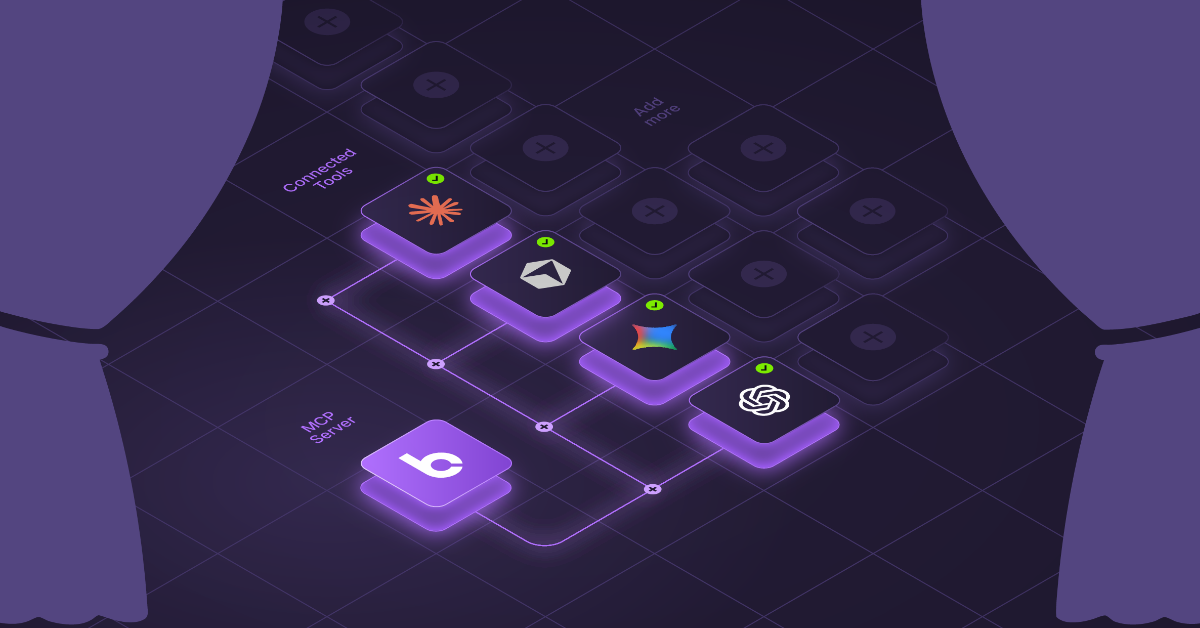
If your logs show AI bots using up a meaningful share of bandwidth, one practical way to reduce that pressure is to serve bots a separate, pre-rendered version of your website, instead of letting every request hit the site directly. This will offload the pressure of repeated or large bot requests, and ensure they aren’t competing for bandwidth with your actual customers.
Using a solution like SpeedWorkers can help you do this automatically, and the benefit is twofold:
- Pre-rendering acts as a layer of protection between your website infrastructure and access requests, and
- It makes it easier for bots to load, crawl, and consume all of your website content. This is especially relevant for AI bots, as many still can’t render JavaScript-heavy pages or elements.
And while you can’t control when bots visit your site or which pages they crawl, you can control when Botify crawls to refresh the cached pages that SpeedWorkers serves. This gives you the power to set your crawl schedule and guarantee when, for which bots, and how often Botify is accessing your website pages. In turn, this ultimately reduces volatility created by bot traffic, because once Botify has crawled and cached your pages, bots will encounter the pre-rendered pages instead.
You can preview what those cached pages look like, so you’ll know exactly what bots are ingesting. Plus, if your site is ever under very heavy strain, so much so that access is restricted, SpeedWorkers can still deliver those cached pages, helping to mitigate the impact of an outage.
AI bot traffic doesn’t have to cost you
AI-related bot activity is increasing and is likely to remain a meaningful part of your baseline traffic. And because bots don’t behave like human customers, treating them as such will mean your site is exposed to unpredictable bandwidth usage and pressure, noisier analytics, and even higher security risks.
The good news is that you don’t have to choose between blocking everything or letting bots run wild:
- Start by using log file analysis to understand the crawlers encountering your site, and why.
- Put an AI governance strategy into place so access rules match your business goals.
- And when bot load starts affecting performance or costs, offload the heaviest and most expensive traffic using a pre-rendering tool like SpeedWorkers.
Together, these practical steps will help your brand turn AI bot traffic into something you can measure and strategize for, without sacrificing the experience for the humans you actually serve.

.svg)


.svg)
