


As AI search becomes a core discovery channel, more teams are tracking their AI visibility, reporting to more stakeholders, and tying results to specific campaigns and quarters. This month, we’re rounding up our latest AI Visibility releases, making it easier to bring Botify into Claude, helping you make sure Meta AI can read your pages, and adding new ways to deliver your enriched product feeds.
Here’s what's new in Botify this October.
What’s New in AI Visibility: See Where You Stand in AI Search and What’s Moving It
Over the past few months, we’ve given you more control over how your brand and competitors are defined, a clearer view of what’s driving your competitive position and where your products show up, and more flexibility in how you track performance over time. Here’s a roundup of our latest AI Visibility releases.
- See where your products show up in AI shopping results with product citations: Track which of your products ChatGPT cites, spot the prompts where competitors’ products appear and yours don’t, and know where to focus first.
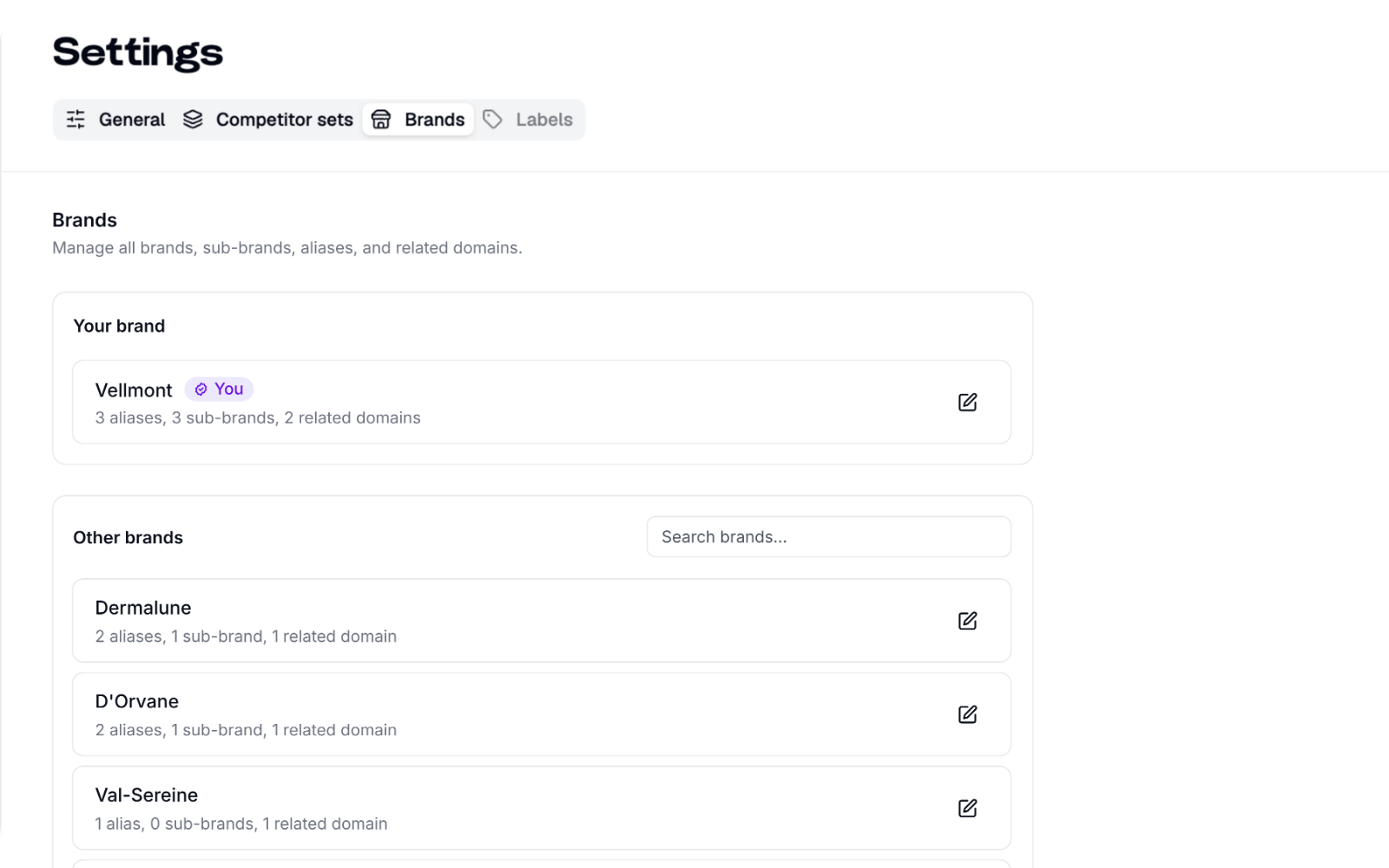
- Define your brand the way your organization does: Merge brand variants, add aliases, and roll sub-brands up to their parent or track them on their own.
- Benchmark against the competitors that matter to each team with competitor sets: Create named sets for each business unit, category, or region, each with its own Share of Voice.
- See what’s driving each competitor’s visibility with competitor citation benchmarking: Compare Mention and Citation Share of Voice side by side, and see which domains power each competitor’s citations.
- See what moved your visibility within days with daily refresh: For businesses that change fast, set daily refresh per project to keep up with product launches, new articles, and frequent content updates.
- Report on the periods your business runs on with custom date ranges: Pick any start and end date, compare against the previous period or year over year where you have a year of tracking, and look back up to 12 months.
Read more about What’s New in AI Visibility here.
AgenticCatalog: New Ways to Deliver Your Enriched Feed to Your Third-Party Feed Tools
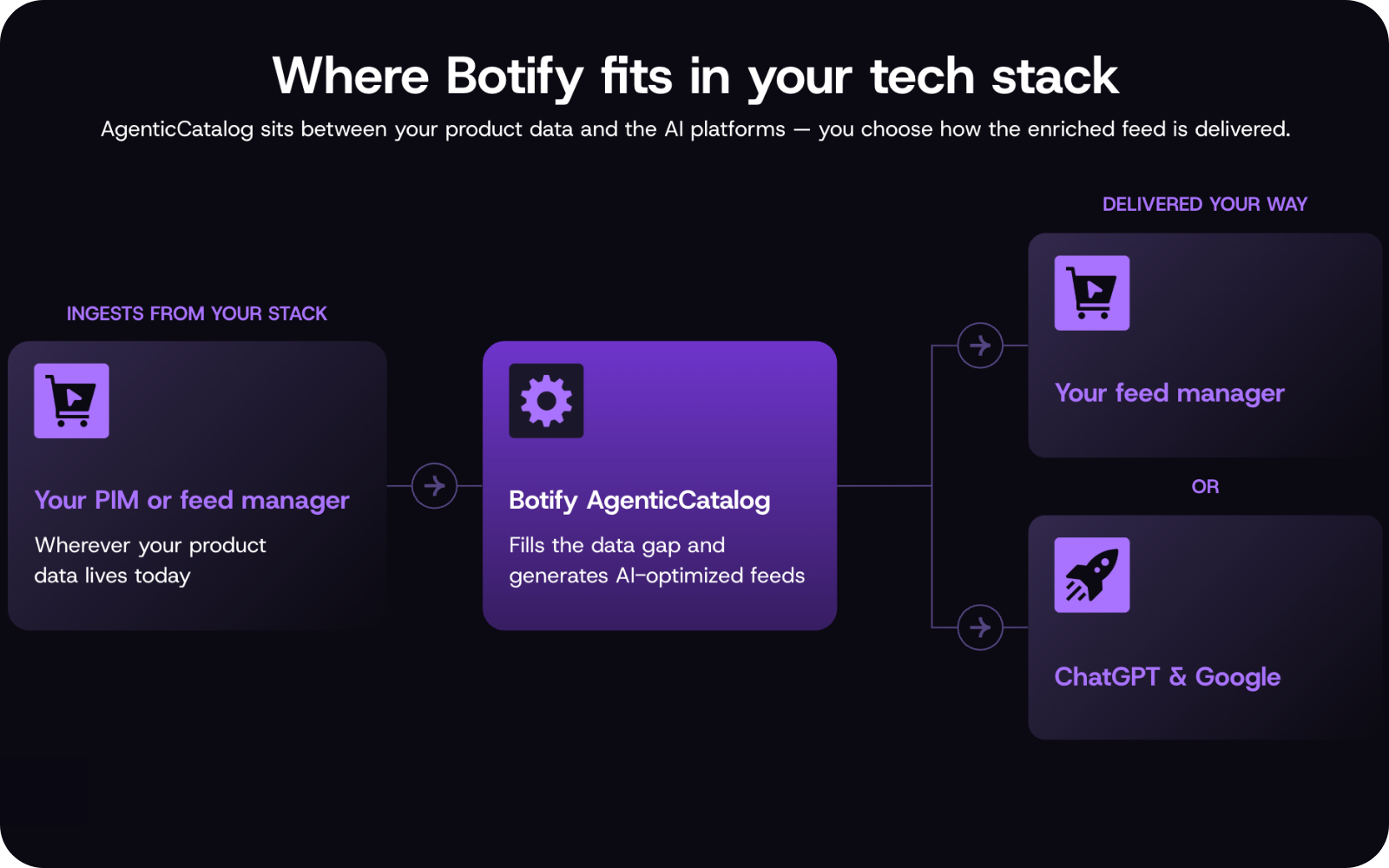
Your feed manager or PIM is where your product data goes out to every channel. AgenticCatalog now gives you more ways to get your enriched feed there, so AI-ready product data moves through the setup your team already relies on.
- Let your feed tools pick up the latest feed with a direct link: Your feed manager or PIM pulls your enriched feed from a dedicated URL, with optional password protection you can reset anytime.
- Deliver on your schedule with push delivery: Send enriched feeds to your own SFTP server, or to cloud storage in Amazon S3 or Google Cloud Storage. Test the connection before you go live and check the delivery history anytime.
- Skip the remapping with format matching: Enriched feeds come back in the same structure you sent, so your feed tools can use them right away. New attributes, like Q&A, are added as new columns.
Learn more about configuring AgenticCatalog destinations here.
LogAnalyzer & SpeedWorkers: Make Sure Meta AI Can Read Your Pages and Track Visits
Meta AI is quickly becoming a place where people research and buy, especially since Meta launched its Muse AI agent in September. To find and cite content in its answers, Meta AI relies on its own crawler to read your pages. Those visits skip JavaScript, so they never show up in web analytics, and content that depends on scripts to load, like pricing or product details, can be missed.
Botify now recognizes Meta’s AI crawler in LogAnalyzer and can serve it your site pages through SpeedWorkers, so you can see how Meta AI reads your site and make sure it gets your full content.
- See how Meta AI crawls your site: Meta’s AI crawler now appears in LogAnalyzer alongside other AI bots, so you can see which pages it visits, how often, and which ones it misses.
- Make sure Meta AI gets your full content: Serve Meta’s crawler fast, fully rendered pages through SpeedWorkers, so it can read your product details, pricing, and other key information.
- Manage every major AI crawler in one place: Monitor and serve Meta alongside OpenAI, Google, and Anthropic from the same platform.
To get started, route Meta’s crawler to SpeedWorkers through your CDN, and if you filter your log data, update your LogAnalyzer filters to include it. Your Botify team can help with both.
Learn more about supported bots in LogAnalyzer and SpeedWorkers.
Botify MCP: Connect Claude to Your Botify Data in a Few Clicks
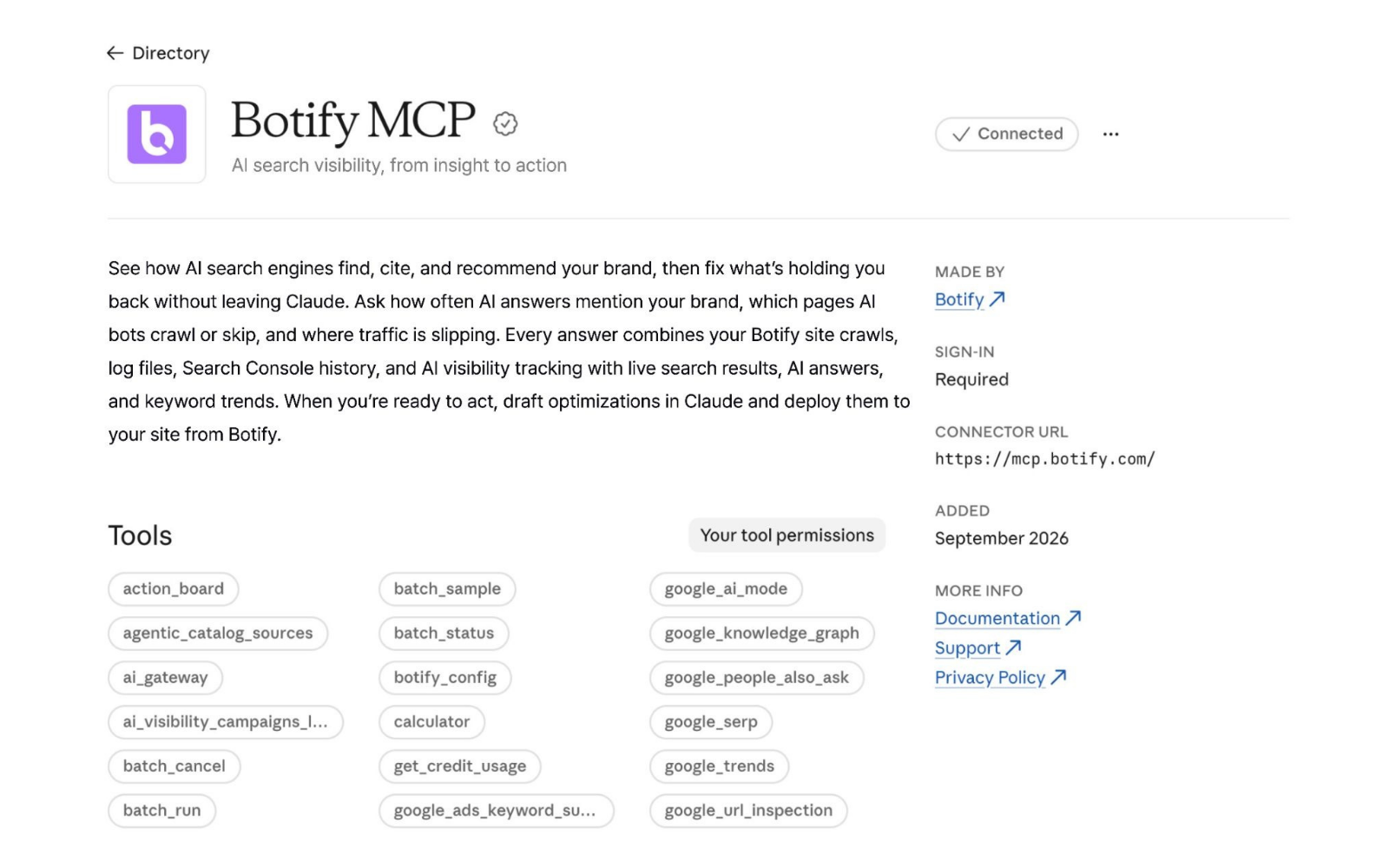
Botify MCP is now available in Claude’s directory as both a connector and a plugin, so you can bring your Botify projects and data into Claude in a few clicks and get reliable answers from the first question.
- Roll it out across your team: Your Claude admin enables Botify once from the directory, and everyone on your team can add it from there.
- Keep access where it belongs: Each person signs in with their own Botify login and works only with the projects they can access in Botify.
- Get more accurate answers: Ready-made skills help Claude work with your crawl, log file, Search Console, and AI visibility data correctly, from running analysis across many URLs at once to interpreting status codes, bots, and segments.
Botify MCP is available on every Botify plan and continues to work with the other AI assistants you use, like ChatGPT and Cursor. To get started, add both the connector and the plugin. Already connected through a custom connector? Just add the plugin.
Learn more about connecting to Botify MCP here.